Add Mandatory Values to One Package or Item
To search packages and items for missing user-defined fields values, see “Add Mandatory Field Values” on page 248.
To add mandatory values to one package or item
|
1
|
In the packing engine, in the Package(s) drop-down menu, click the package that you want to work with or that contains the item — for example, Carton 00001.
|

|
For package user-defined fields, click
 User-Defined Attributes for Package. User-Defined Attributes for Package. |
|
|
For item user-defined fields, select one or more line items in the package and click
 User-Defined Attributes for Pack List(s). User-Defined Attributes for Pack List(s). 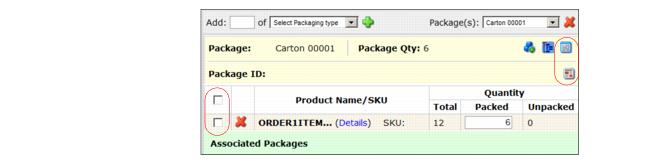 |
A dialog displays mandatory user-defined fields for the package or item. 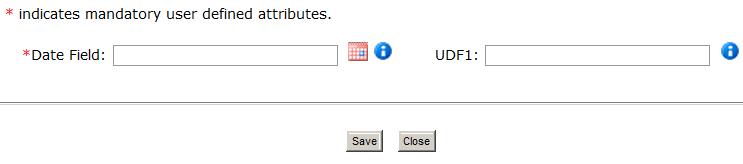
For a date field, either click the  calendar icon to select a month, day, and year, or type the date into the field. Your preferred Date format is in your company Profile.
|
3
|
Enter the information, then click Save. The system sets the specified values for the selected package or item(s) and displays a message.
|
 Trading Grid Online User Guide PDF
