Account Manager : Active Invoice Legal Profiles : Maintain Legal Entity Relationships

Maintain Legal Entity Relationships
Important: This applies to Non-Signed EDI Invoice Trading Partners only.

Every Company that sends or receives Non-Signed EDI Invoices must maintain a file of Trading Partners with which the invoices are exchanged in order to log and track Trading Partner changes. The AIC search function lets you quickly find an associated Trading Partner's legal entity profile to:

*
*

To find and view or update a Legal Entity Relationship

1
2
3
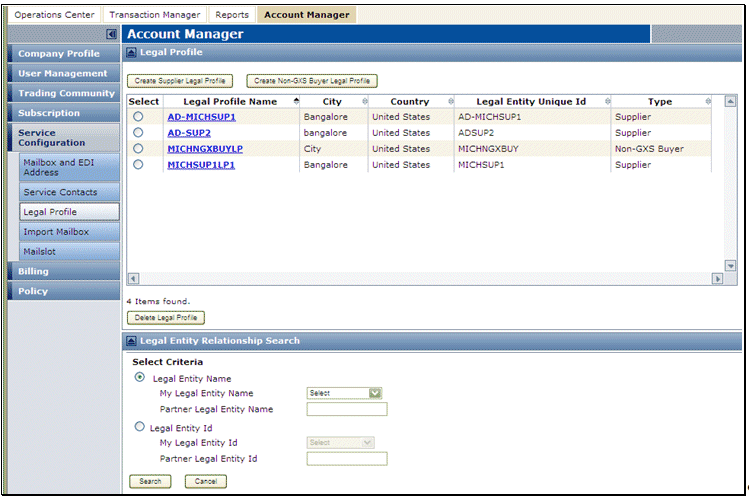
Click Service Configuration > Legal Profile. The Legal Profile page opens.
4
In the Legal Entity Relationship Search section, for the My Legal Entity Name or My Legal Entity ID, select the entity associated with the Trading Partner(s) to view or update.

If you are looking for a specific Trading Partner, enter that Trading Partner's Legal Entity Name or Legal Entity ID.

5
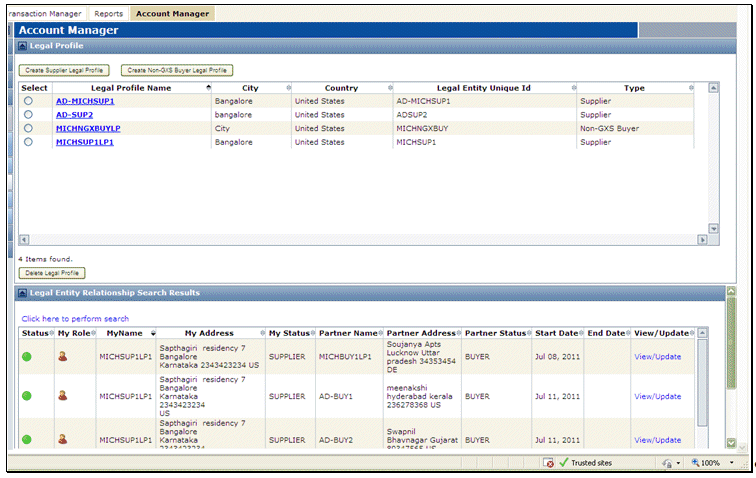
Click Search. On the Modify Document page your document form displays the Legal Entity Relationship Search Results.
6
7
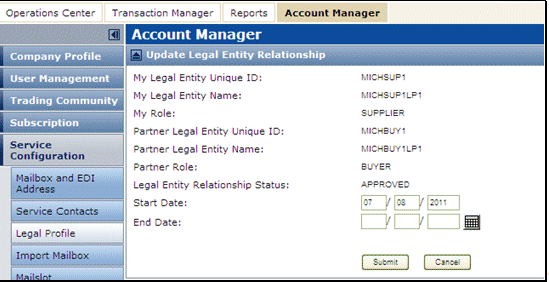
Note: The End Date must be at least 1 day prior to the current date.

16.2 release. Updated October 23, 2016


Trading Grid Online User Guide PDF


Copyright © 2016 Open Text. All rights reserved.
Trademarks owned by Open Text.