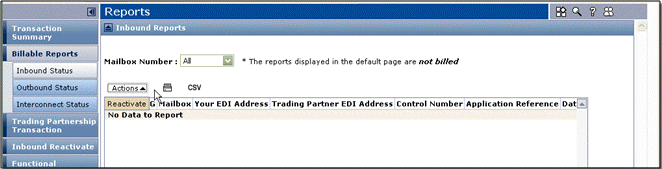
Reports for Trading Grid Messaging Service : TGMS Reports : Inbound Status Report

Inbound Status Report

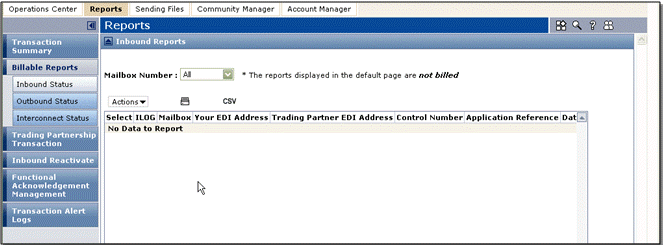
The Inbound Status report shows all documents received. It includes identifying information for each document. This report displays information on all interchanges sent to you during up to the previous 45 days. The report defaults to interchanges received within the past 24 hours.

The Inbound Status report lets you

*
*
*
Note: For information about the report columns, see“TGMS Report Columns” on page 96.

Use this procedure to reactivate an interchange that you downloaded so you can “re-receive” it.

To reactivate an interchange from the Inbound Status Report

1
Click the Reports tab > Inbound Status.
2
In the Select column, select the interchange(s) to re-activate.
Note: You can re-activate interchanges with an Opened status.
3
Click Actions > Reactivate.

See also:

*
*

16.2 release. Updated October 23, 2016


Trading Grid Online User Guide PDF


Copyright © 2016 Open Text. All rights reserved.
Trademarks owned by Open Text.