Based on your company’s subscription, you see either Status Reports or Billable Reports on the left side of a Reports page.
Important: For Billable Reports, your company is billed based on the quantity of data returned in a report. For Status Reports, your company is not charged because the reports are included in your company’s subscription.
Whichever report you select, a search page opens. 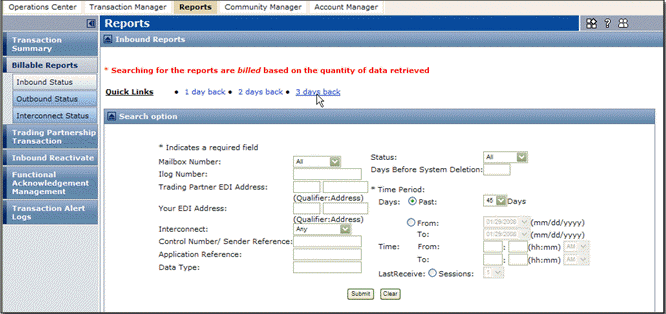
You can use two methods to search.

|
On the Quick Links line, click one of the options.
|
|
|
For information about search fields, see “TGMS Report Columns” on page 96.
 Trading Grid Online User Guide PDF
