To copy components to the Operations Center
 in the title bar.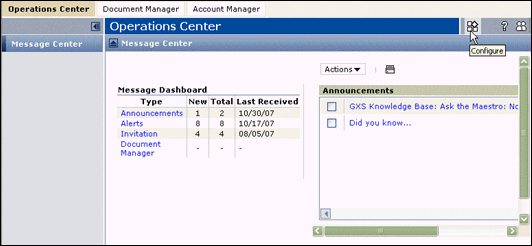
The Configure this Page window opens.
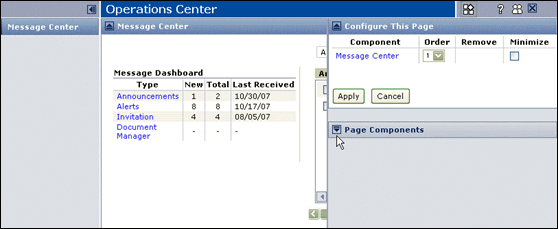
The Page Components section lists your available components.
|
3
|
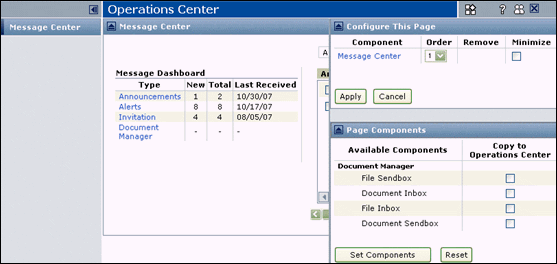
Check the appropriate checkboxes in the Copy to Operations Center section for the components you want to copy.
|
|
4
|
Click Set Components.
|
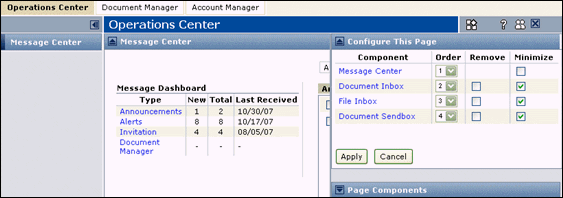
The Component column list the copied components.
|
5
|
Click Apply.
|
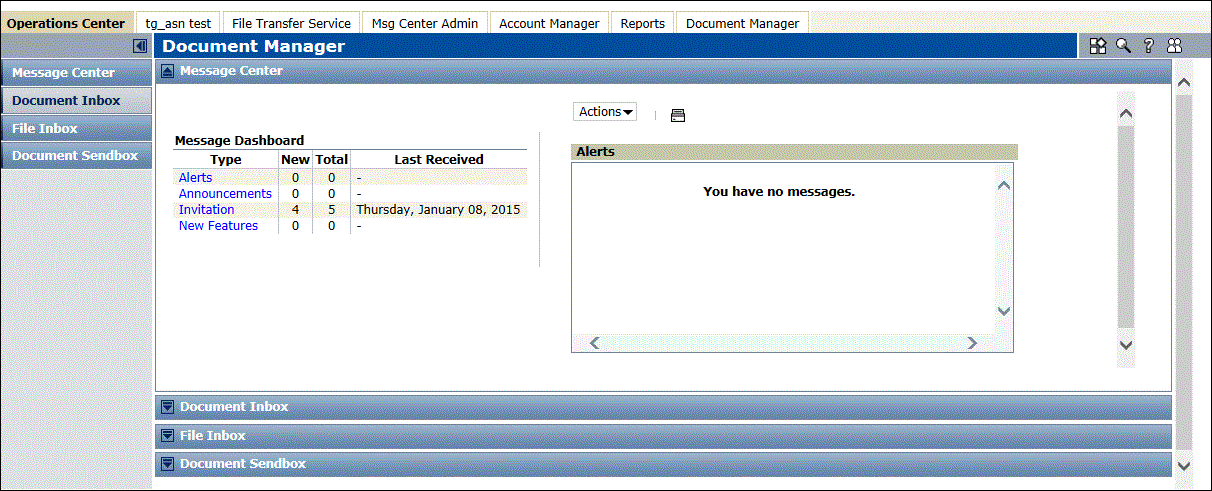
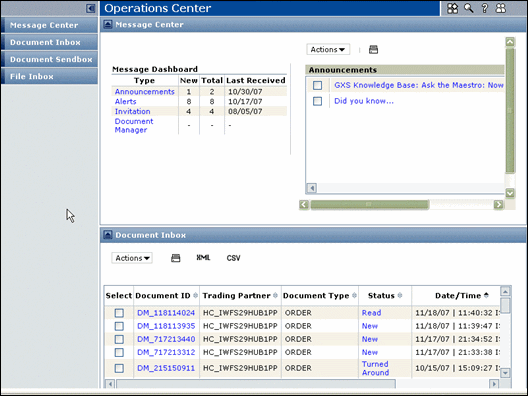
You can now access the copied components from the Navigation Panel.
 Trading Grid Online User Guide PDF
