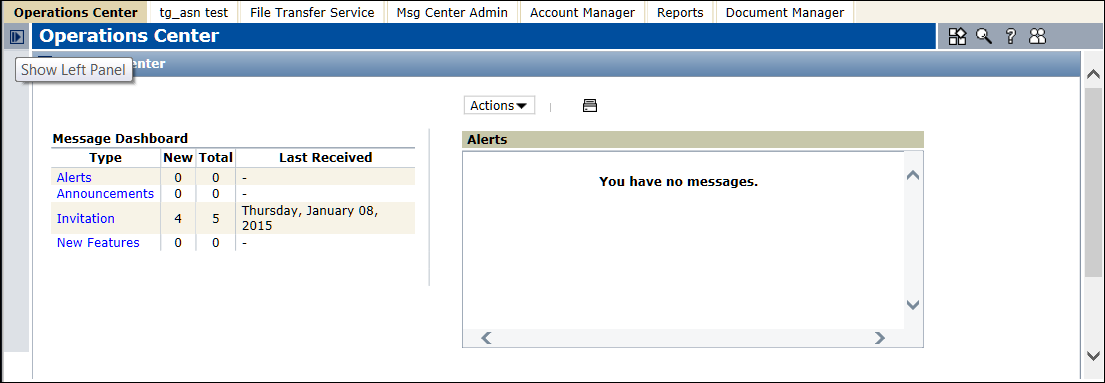
Navigate Trading Grid Online Navigation Panel All Trading Grid Online pages have a similar layout. The Navigation Panel on the left side of every page is a is collapsible panel that provides access to the components that your company subscribes to. The component buttons indicate the functions that you can perform from a page. You can show or hide the Navigation Panel and configure the way the components functions display. To show or hide the Navigation Panel Click to collapse the panel. Click to show the panel.
All Trading Grid Online pages have a similar layout. The Navigation Panel on the left side of every page is a is collapsible panel that provides access to the components that your company subscribes to. The component buttons indicate the functions that you can perform from a page. You can show or hide the Navigation Panel and configure the way the components functions display.
Click to collapse the panel.
Click to show the panel.
16.2 release. Updated October 23, 2016