To print the labels and reports
|
1
|
Click Print Labels/Reports.
|
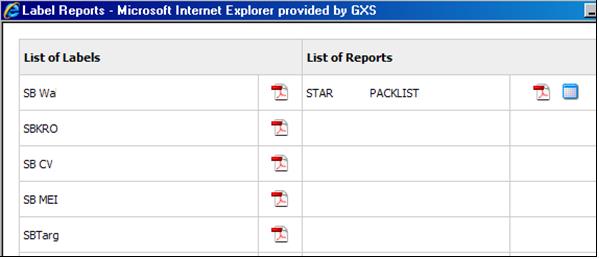
The system generates the labels or report in PDF (or CSV) format and displays them on a viewer page. 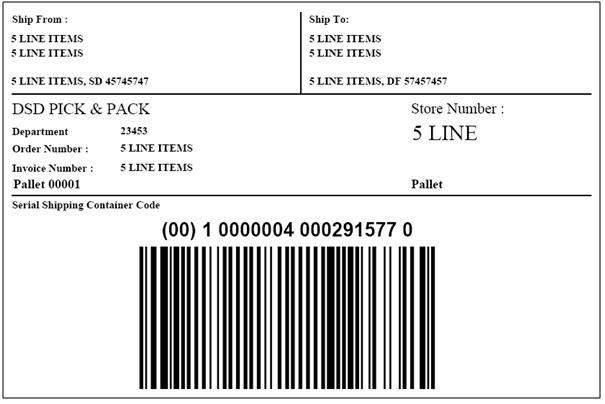
|
3
|
Use the Print function to print the labels or report. You can also save a copy of the labels or report to your PC.
|
 Trading Grid Online User Guide PDF
