To view documents
|
1
|
Click the Document Manager tab.
|
|
2
|
Click Inbox.
|
|
3
|
Click the Document ID of the document you want to open.
|
Or, check the Select check box, and click Actions > View.

|
4
|
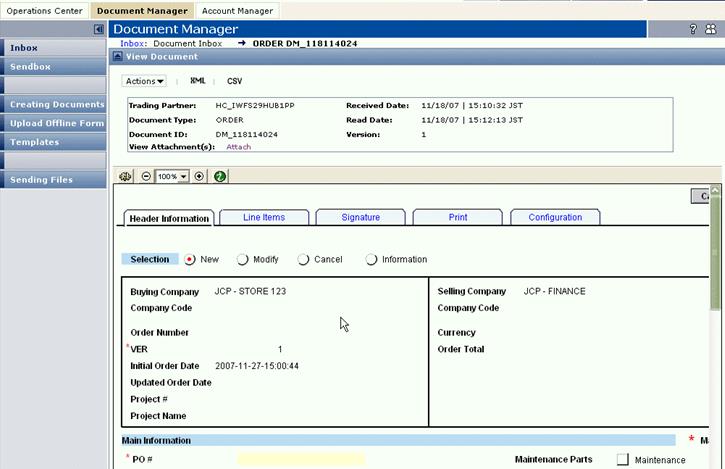
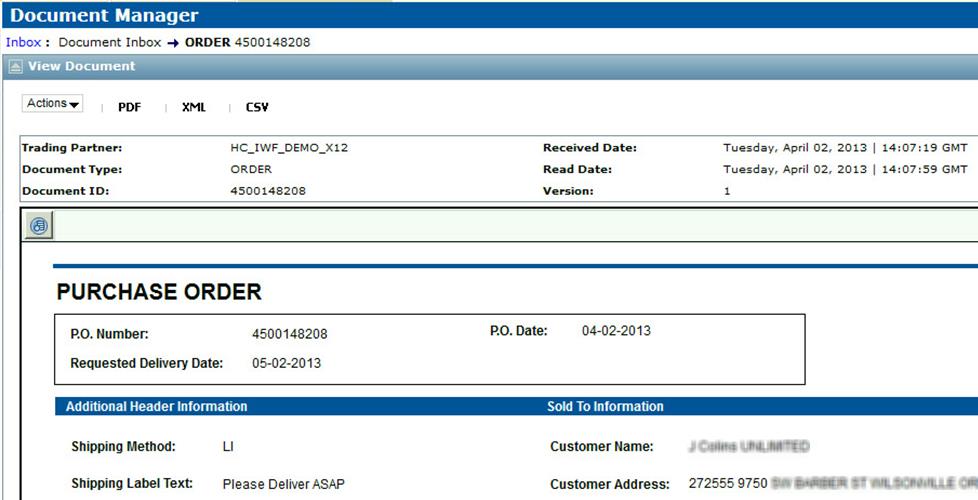
The example View Document page below does not use a Document Viewer form.
To view document attachments
|
1
|
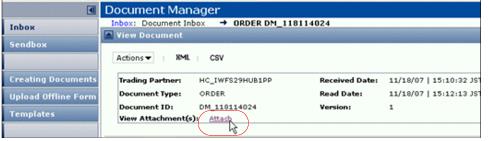
To view attachments from your Trading Partner, click the Attach link in the View Attachment(s) field.
|

|
 Trading Grid Online User Guide PDF
