View or Add Comments to Documents and Files
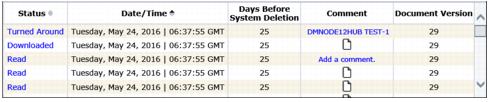
If a user or Trading Partner adds comments to a document, the beginning text of the comment displays in the Comment column.

A blank page icon  in this column indicates that there are no comments for a document.
To view comments in an inbox document
|
1
|
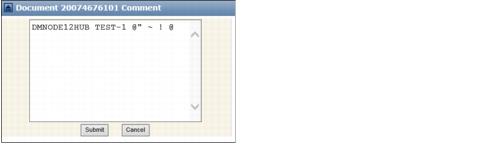
Click the text in the Comment column.
|
The Document Comment dialog box displays the entire comment.
|
2
|
Click Cancel to close.
|
To add comments to an inbox document
|
1
|
Click
 for the document that you want to add a comment to from the Comment column. for the document that you want to add a comment to from the Comment column. |
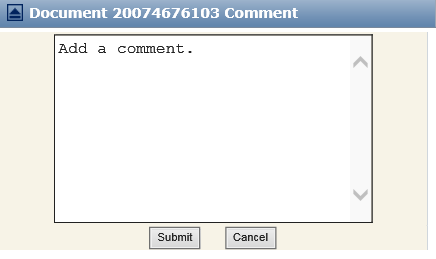
The Document Comment dialog box opens.
|
2
|
Type the new comment, and click Submit.
|
The new comment displays in the Comment column (of both the Document Inbox and Sendbox).
 Trading Grid Online User Guide PDF
