Document Manager : Document Manager Inboxes and Sendboxes : File Inbox

File Inbox

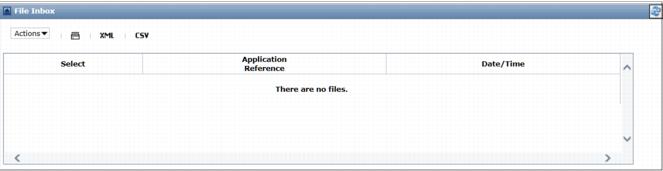
The File Inbox lists all files that you have received from your trading partners in the last 45-days.

To use your File Inbox

1
Click the Document Manager tab.
2
Click Inbox from the Navigation Panel.

The File Inbox opens.

A
Note: When you open the File Inbox, the Document Inbox also opens.

The File Inbox provides the following information.


16.2 release. Updated October 23, 2016


Trading Grid Online User Guide PDF


Copyright © 2016 Open Text. All rights reserved.
Trademarks owned by Open Text.