The error section might display an Update Status link. To use this feature, see “Update Error and Event Statuses” on page 444.
To view errors in a lifecycle or file
|
1
|
On the Processing Lifecycle page, click the Item Details tab.
|
The total number of errors appear in the Lifecycle Details section. 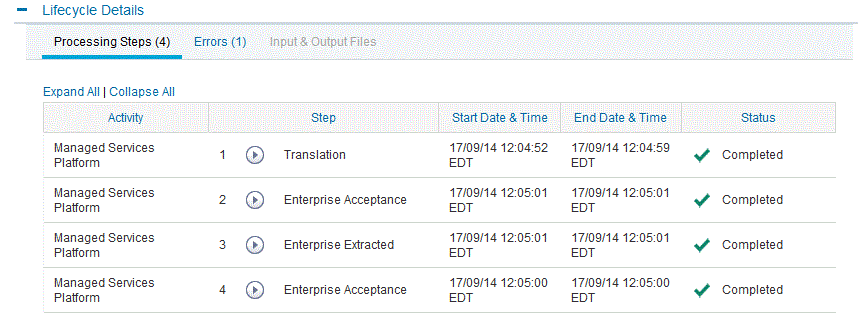
|
2
|
To view error information, click the Errors link.
|
 Trading Grid Online User Guide PDF
