Trading Grid Analytics : Dashboard Settings : Default Item Qualifier Settings

Default Item Qualifier Settings

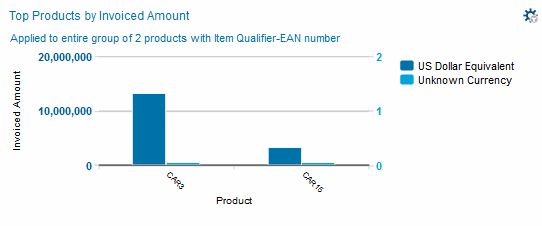
For the Top Products by Invoiced Amount metric, you can configure the Analytics Dashboard to display data for a specific qualifier.

Note: Whereas setting the Item Qualifier from the Filter By page sets the default view at the user level, this additional filtering capability sets the default view for an entire organization.

For example, if the default was set to EN - EAN Number, each time a company user refreshes the Analytics the Dashboard, the graph for the Top Products by Invoiced Amount metric displays data relevant to the EAN Number.

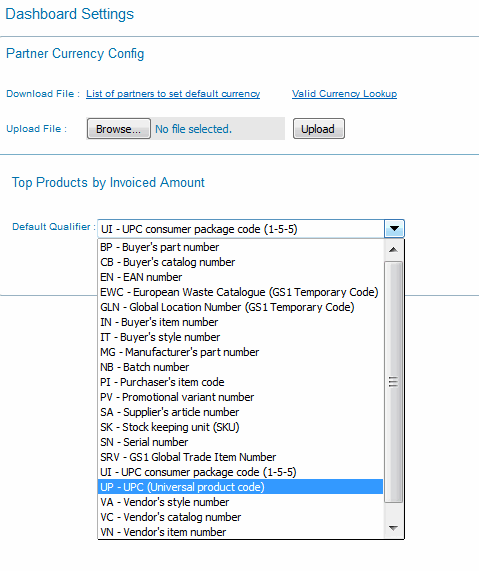
However, you might want to change this view for a different qualifier, such as UPC code. Through the Dashboard Settings page, you can configure the Analytics Dashboard to always display data for the new qualifier.

To configure default Item Qualifier settings

1
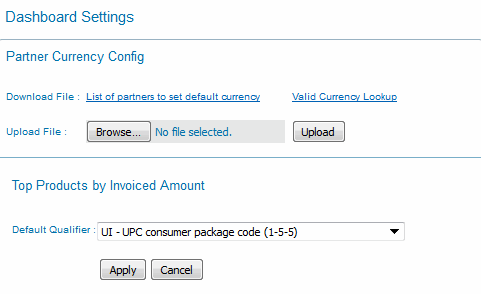
Click Dashboard Settings in the Analytics Dashboard.

The Dashboard Settings page opens.

2
3
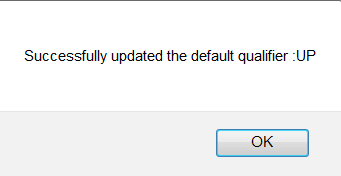
Click Apply.

A confirmation message displays.

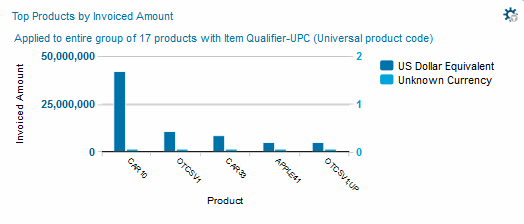
4

The Analytics Dashboard updates the Top Products by Invoiced Amount graph with the new default qualifer data.


16.2 release. Updated October 23, 2016


Trading Grid Online User Guide PDF


Copyright © 2016 Open Text. All rights reserved.
Trademarks owned by Open Text.