Analytic information can be exported into a PDF or spreadsheet format (.xlsx).
To export analytic metrics
Export data from a dial graph:

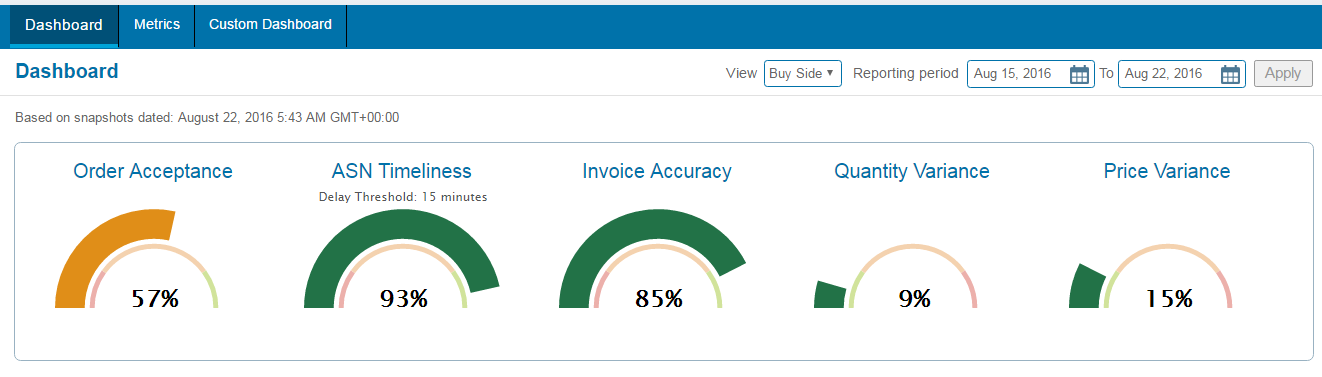
The Metric tab displays the performance detail page.
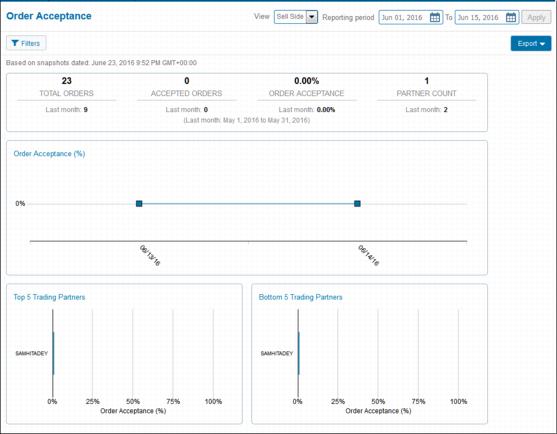
 .
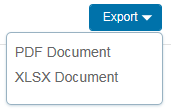
.The Export drop-down menu opens.
To export data from a bar graphs:
 in a graph.
  .
.The Metric tab displays the performance detail page.
The Export drop-down menu opens.
|
2
|
|
3
|

Below is an example of an exported PDF file.
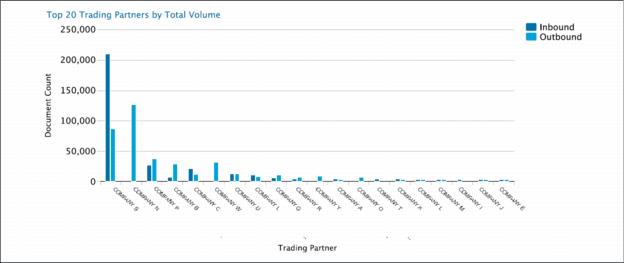
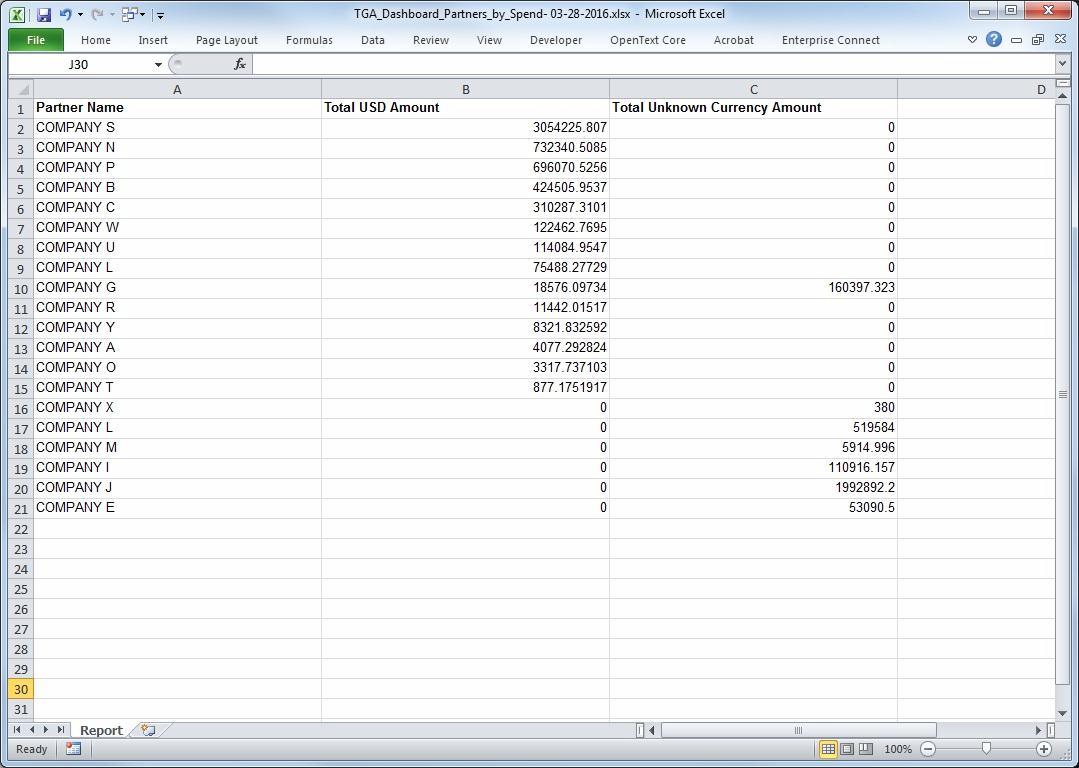
Below is an example of an exported XLSX file.
 Trading Grid Online User Guide PDF
