Filter Business Metrics by Item Qualifier
To filter by Item Qualifier
|
1
|
From the Analytics Dashboard, click
 in Top Products by Invoiced Amount graph. in Top Products by Invoiced Amount graph. |
 .
.The Metric tab displays the performance detail page.
 .
.The Filter By page opens the Trading Partner Name filter (by default).
|
4
|
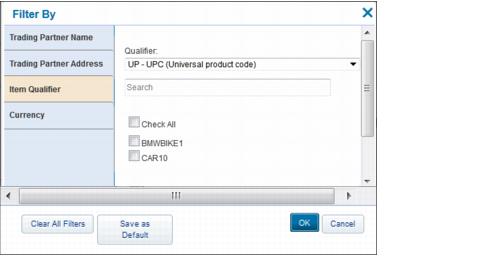
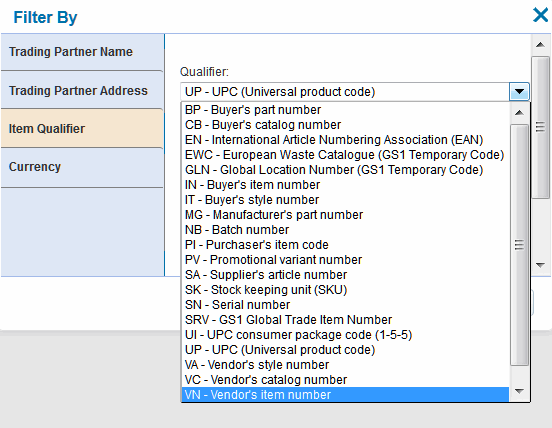
Click Item Qualifier.
|
|
6
|
Click OK.
|
The qualifier items display in the bar chart on the Analytic Dashboard.
 Trading Grid Online User Guide PDF
