View Delivered Reports Lists
To view a list of delivered reports
|
1
|
Click the Reports tab in Trading Grid Online.
|
|
2
|
Click Delivered Reports.
|
The Delivered Reports page opens.
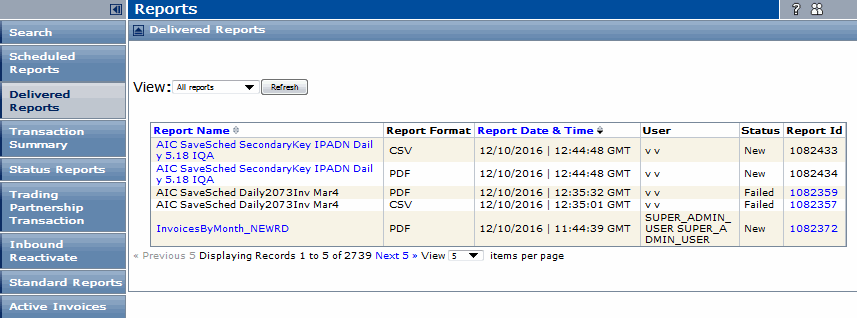
The Delivered Reports page lists the following information for each report.

|
To download a delivered report
|
1
|
Locate the latest version of the report in the Delivered Reports list.
|
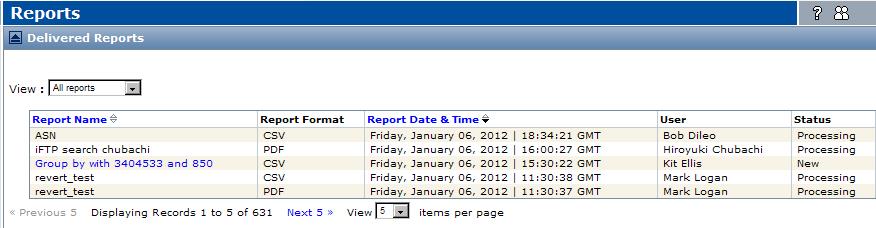
Note: The status cannot be Processing.
 Trading Grid Online User Guide PDF
