Save Search Queries
You can use a search query that both you and others in your organization have saved.
To save a search query
|
2
|
On the Search Results page, click Save/Schedule Report.
|
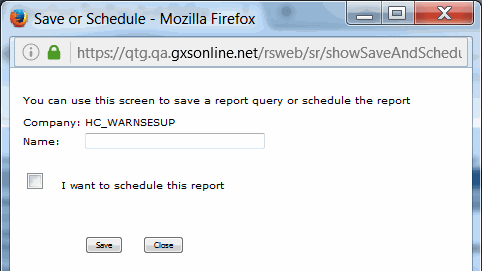
The Save or Schedule page displays, along with the report name.
|
3
|
Type a name for the report in the Name field.
|
|
4
|
Click Save.
|
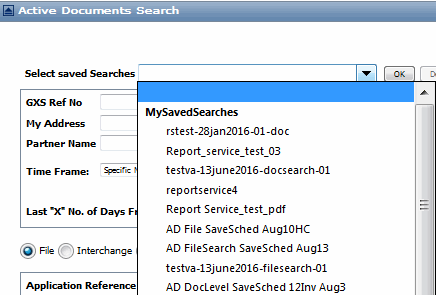
The Active Documents Search page updates the My Saved Searches list with the saved report.
 Trading Grid Online User Guide PDF
