To view a scheduled reports list
|
1
|
If you are currently in Active Documents, click the Trading Grid tab.
|
|
2
|
The Scheduled Reports page opens. 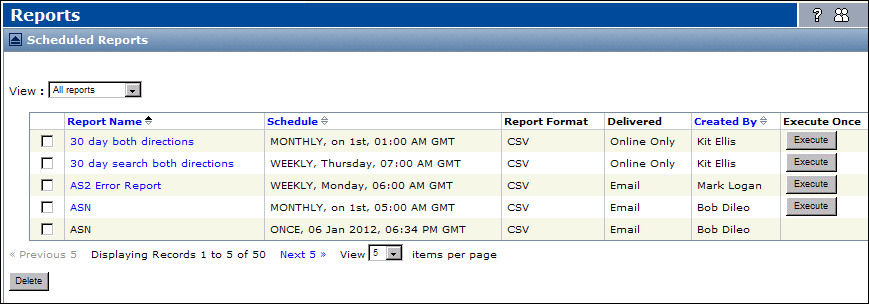
To view the current schedule for a report, in the Report Name column, click the applicable report name.
 Trading Grid Online User Guide PDF
