Configure Search Key Settings
To add or configure Search Keys
|
1
|
Click
 next to Key Name. next to Key Name. |
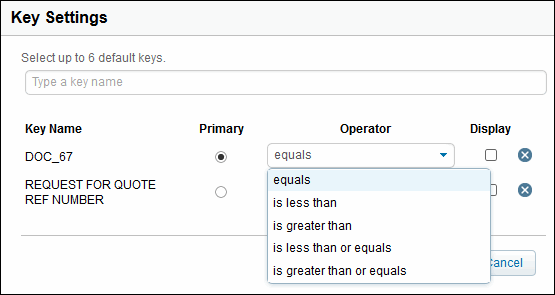
The Key Settings dialog box opens.
|
4
|
Set the key operator from the Operator drop-down menu for a key.
|

|
6
|
To always display the key by default, click the Display checkbox.
|
|
7
|
Click Save.
|
 Trading Grid Online User Guide PDF
